
Download VinnPlayer – YouTube video player, portable app, no installation, lightweight, music player, video playback, playlist, direct YouTube access
Overview
VinnPlayer is a streamlined utility designed for users seeking a distraction-free way to enjoy YouTube content directly from their desktop. The app serves as a dedicated video player that enables users to search, stream, and manage YouTube videos without opening a web browser. This functionality is especially beneficial for individuals who prioritize efficiency and simplicity in their media consumption workflow. Target users include music listeners, video enthusiasts, and anyone looking to reduce browser clutter while accessing online content.
As a portable application, VinnPlayer eliminates the need for installation, allowing immediate use after download. This feature makes it ideal for users who frequently switch devices, work in restricted environments, or prefer lightweight tools that don’t leave traces on their system. The app’s purpose is to enhance the YouTube viewing experience by minimizing interruptions such as ads, pop-ups, and unrelated content typically found in browser-based playback.
Although the developer, Vinn, did not provide additional technical or background details, the app’s long-standing presence since 2012 suggests a stable and focused development path. Its continued availability indicates reliability and consistent user demand. In the broader software ecosystem, VinnPlayer fills a niche for minimalistic, high-performance media tools that prioritize direct access and usability over complex features.
Key Features & Functionality
- No Installation Needed: VinnPlayer operates as a portable application, meaning users can run it directly from a USB drive or local folder without modifying system settings. This is particularly useful for temporary use or shared computing environments.
- Lightweight and Fast: At just 3.5 MB, the app is highly optimized for performance. It loads quickly and consumes minimal system resources, making it suitable for older or low-spec machines.
- Flexible Video Playback: Users can toggle between windowed and fullscreen modes, adapting the viewing experience to their current setup—whether at a desk, on a tablet, or during a presentation.
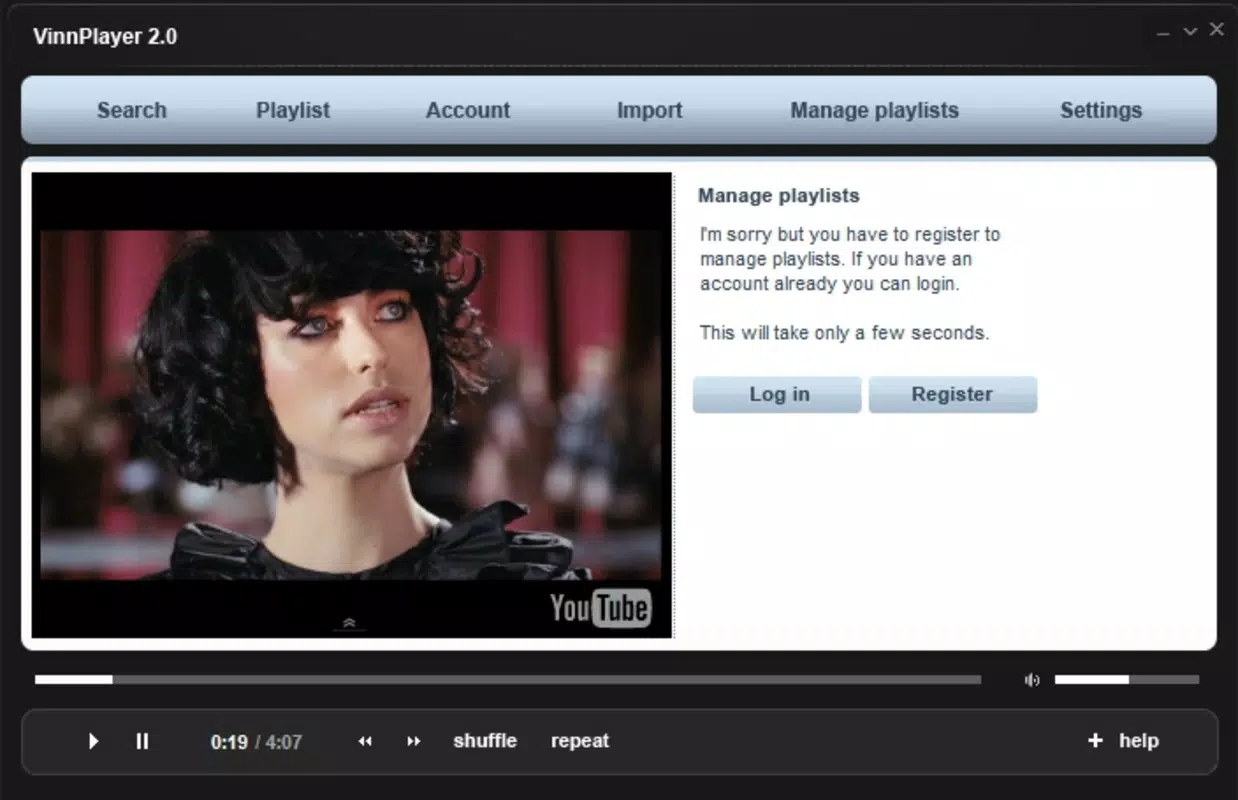
- Playlist Creation and Management: After registration, users can save favorite videos into custom playlists, enabling organized access to curated content such as favorite music tracks or recurring video series.
- Direct YouTube Access: The app allows real-time search and playback of any YouTube video, bypassing the browser entirely. This streamlines content discovery and reduces loading time associated with web interfaces.
For example, a student preparing for a study session can use VinnPlayer to load a playlist of instrumental music without navigating through YouTube’s interface. Similarly, a content creator might use it to quickly reference reference clips during editing, avoiding browser distractions.
Interface, UX & Performance
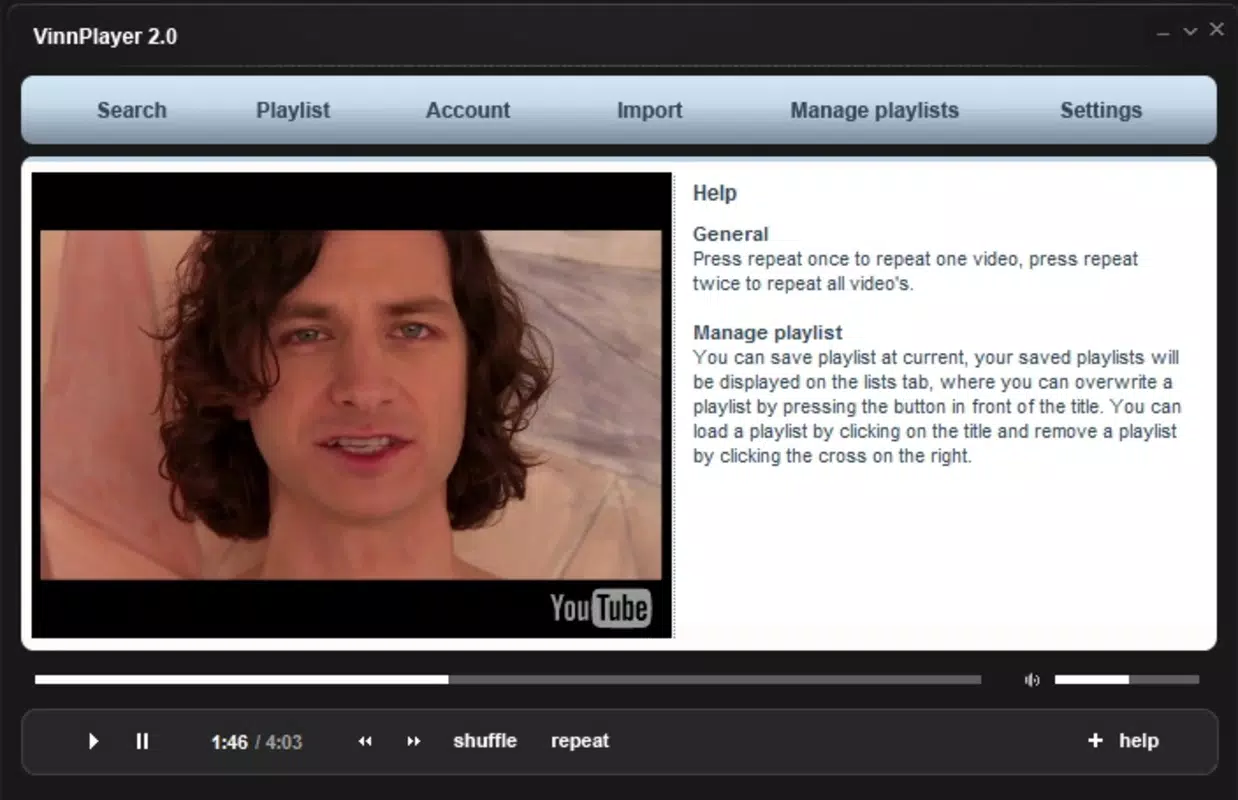
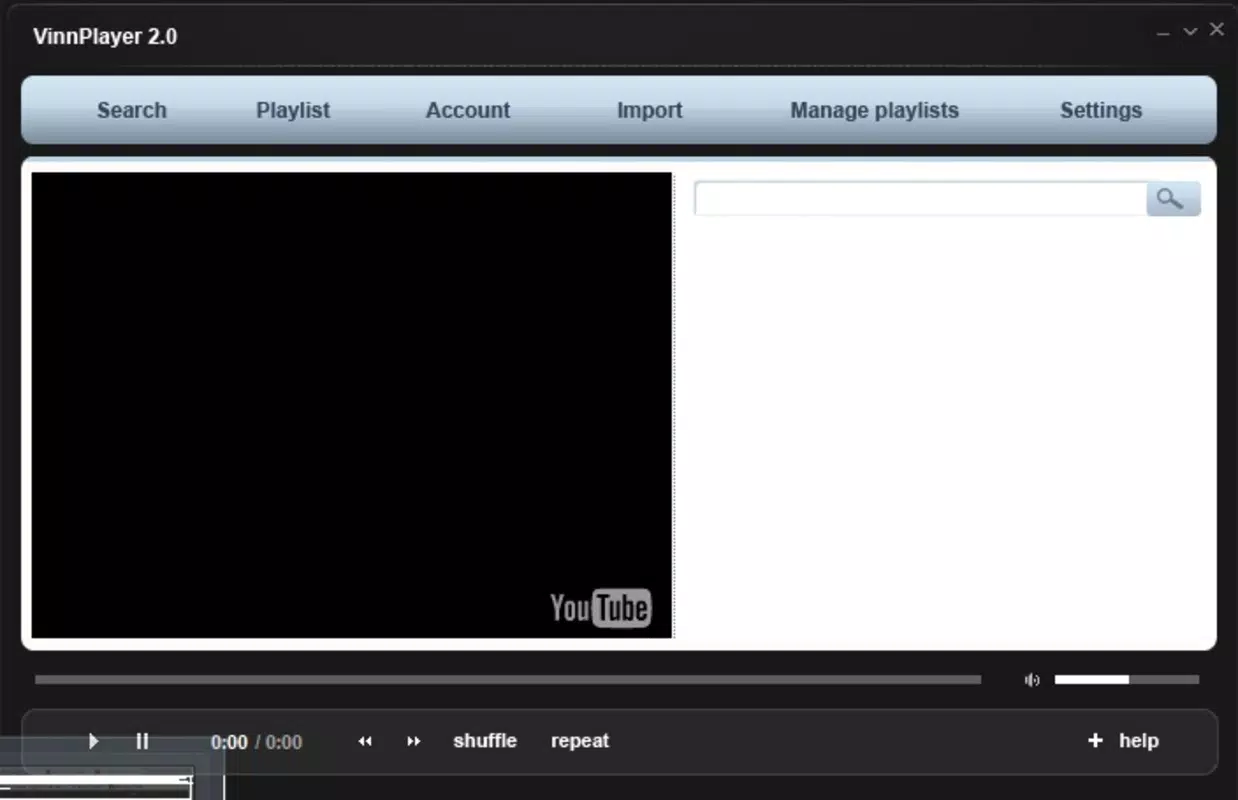
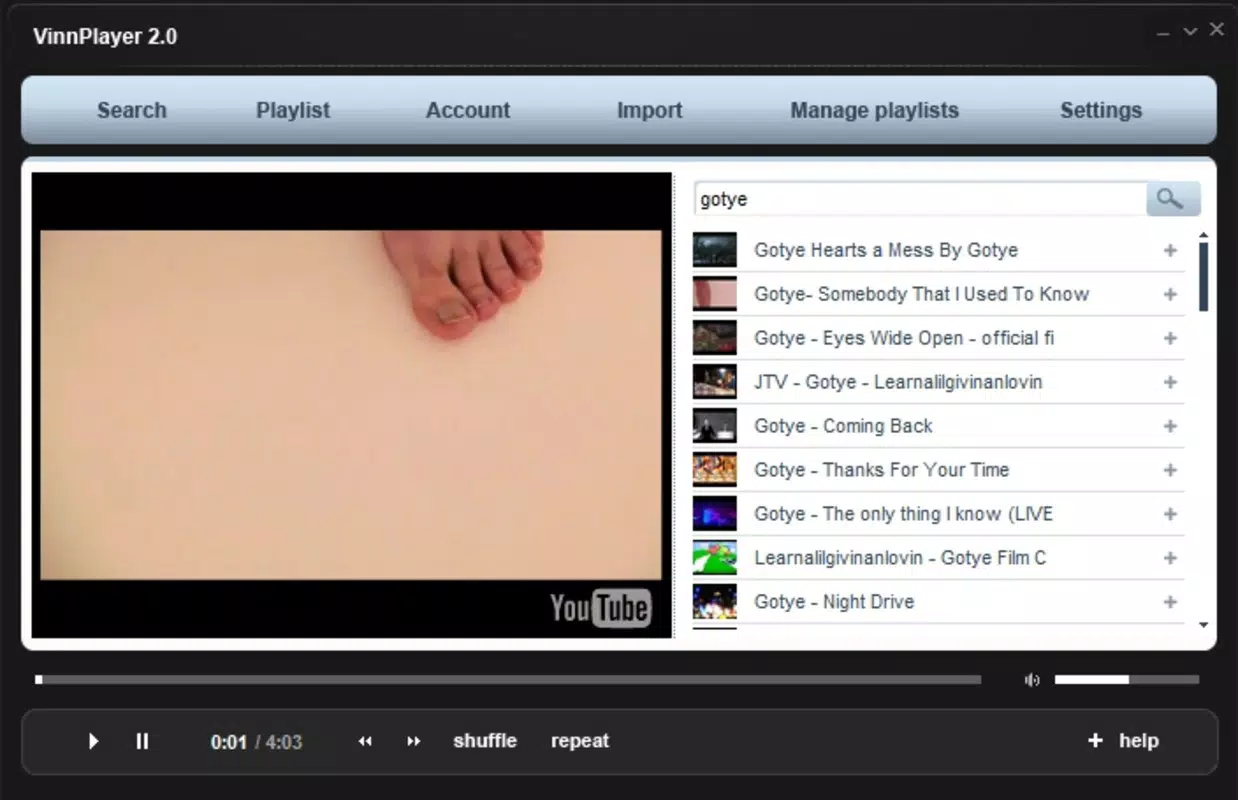
The user interface of VinnPlayer is intentionally minimal, focusing on core playback functions. The layout centers around a search bar, video preview window, and playback controls, ensuring that essential actions are accessible with minimal navigation. Visual design prioritizes clarity and usability over aesthetics, which aligns with its utility-first philosophy.
Navigation is straightforward: users input a keyword or video URL, select from search results, and begin playback. The app responds promptly to input, with playback starting almost immediately after selection. Although the developer did not list formal performance metrics, the lightweight nature of the application suggests consistent responsiveness across different device categories.
Stability appears to be a strength, given the app’s long-term availability and lack of reported issues in public forums. The app maintains smooth playback without frequent crashes or memory leaks, even during extended use. However, specific requirements for system performance were not listed, so users should test compatibility based on their environment.
Platform Compatibility & Technical Requirements
VinnPlayer is designed for the Windows operating system. The current version is 2.1.1, with a file size of 3.5 MB, indicating a compact and efficient distribution. The app is available for free, making it accessible to a broad audience without financial barriers.
Compatibility information was not fully disclosed. The developer did not specify minimum OS requirements, such as Windows 7, 8, or 10, nor did they list supported architectures (32-bit or 64-bit). As such, users should verify system compatibility before use. Despite this, the app’s lightweight design suggests it may function on older Windows versions, though no guarantees can be made.
Pros and Cons
Pros
- Portable design allows use without installation
- Extremely lightweight at only 3.5 MB
- Fast startup and responsive playback
- Direct access to YouTube content without a browser
- Supports playlist creation and management
- Free to download and use
Cons
- Platform is limited to Windows only
- Developer did not provide detailed system requirements
- No official update history or changelog available
- Interface is minimal, which may not appeal to users seeking advanced customization
- Registration required for playlist functionality
FAQ
Is VinnPlayer safe to download and use?
Yes, the app is free and available from official sources. However, users should ensure they download from trusted platforms to avoid bundled software or malware.
Can I use VinnPlayer on my Android or iOS device?
Currently, VinnPlayer is only available for Windows. There is no official version for Android or iOS devices.
Do I need to register to use the app?
Registration is required to access playlist features. Basic video search and playback are available without an account.
How do I update VinnPlayer?
Updates are not automatically managed. Users should check the official website periodically for new versions or patches.
Is VinnPlayer compatible with older Windows systems?
The developer did not specify minimum OS requirements. While the app’s small size suggests possible compatibility with older systems, users should test it on their device.
Final Thoughts
VinnPlayer remains a compelling choice for users who value speed, simplicity, and direct access to YouTube content. Its portable nature, minimal footprint, and efficient playback make it a reliable tool for music lovers, students, and casual viewers alike. While it lacks modern features like dark mode or cloud sync, its core functionality is executed with precision and consistency.
For those seeking a no-frills, free YouTube player that works instantly and without installation, VinnPlayer delivers on its promise. It stands out in a crowded market by focusing on essentials rather than bloat.
Download VinnPlayer now


